> ## Documentation Index
> Fetch the complete documentation index at: https://ayrshare.mintlify.site/llms.txt
> Use this file to discover all available pages before exploring further.
# 異なる Meta アカウントの選択 | Ayrshare ドキュメント
> Ayrshare に接続する際に正しい Facebook または Instagram(Meta)アカウントを選択する方法、および複数の Meta アカウントが表示される場合の問題の修正方法を学びます。
## Ayrshare に別の Meta アカウントを接続する方法
Facebook や Instagram などの Meta アカウントを以前 Ayrshare に接続したことがある場合、Facebook が再度ログインを求めないことに気付くかもしれません。
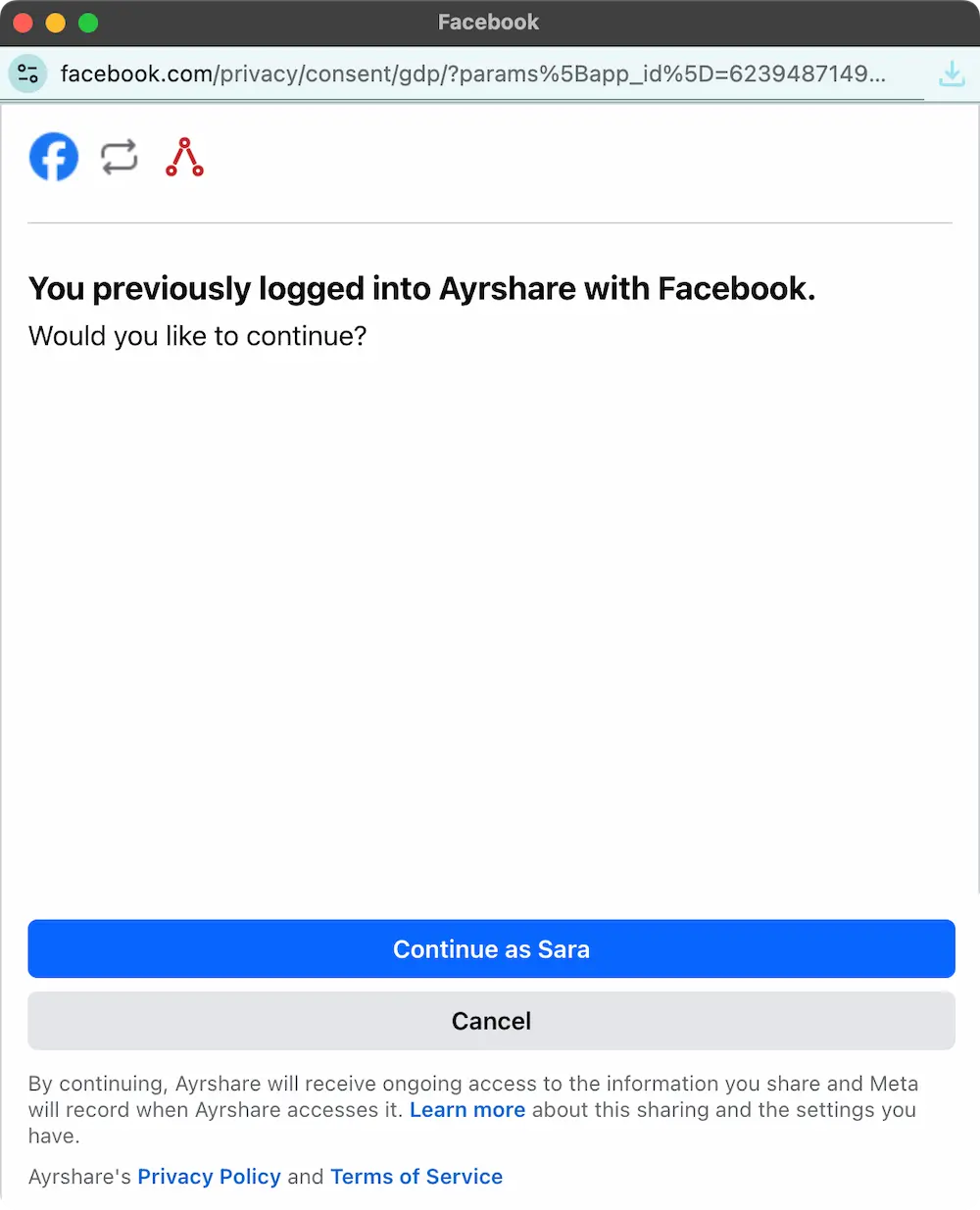 別の Instagram または Facebook アカウントを Ayrshare に接続する場合は、ブラウザで Facebook/Instagram からログアウトすることで対応できます。別のタブで facebook.com/instagram.com を開いてログアウトし、その後 Ayrshare で再接続します。
Meta が再度ログインを求めるので、Ayrshare に接続したいアカウントを選択できます。
これは、Ayrshare に接続する別の X(Twitter)または TikTok アカウントを選択する場合にも機能します。別のブラウザタブでソーシャルネットワークからログアウトし、その後 Ayrshare で再接続してください。
別の Instagram または Facebook アカウントを Ayrshare に接続する場合は、ブラウザで Facebook/Instagram からログアウトすることで対応できます。別のタブで facebook.com/instagram.com を開いてログアウトし、その後 Ayrshare で再接続します。
Meta が再度ログインを求めるので、Ayrshare に接続したいアカウントを選択できます。
これは、Ayrshare に接続する別の X(Twitter)または TikTok アカウントを選択する場合にも機能します。別のブラウザタブでソーシャルネットワークからログアウトし、その後 Ayrshare で再接続してください。