
How to Link Snapchat with Ayrshare
Snapchat Public Profile Setup
Before linking your Snapchat account, you must have a Snapchat Public Profile set up. Non-public profiles can not be linked to Ayrshare. Additionally, the public profile must be switched to a Professional Profile. Without a professional profile, certain features such as posting stories is not permitted. If you don’t have public profile yet, please follow the steps below. If you have a public profile already, please proceed to step 3. If your public profile is already a professional profile, please proceed to Linking Snapchat.1
Open Snapchat and click on top left corner
Open Snapchat and tap on your icon in the top left corner.
2
Public Profile
Click on the Public Profile button and follow the instructions to set up your public profile.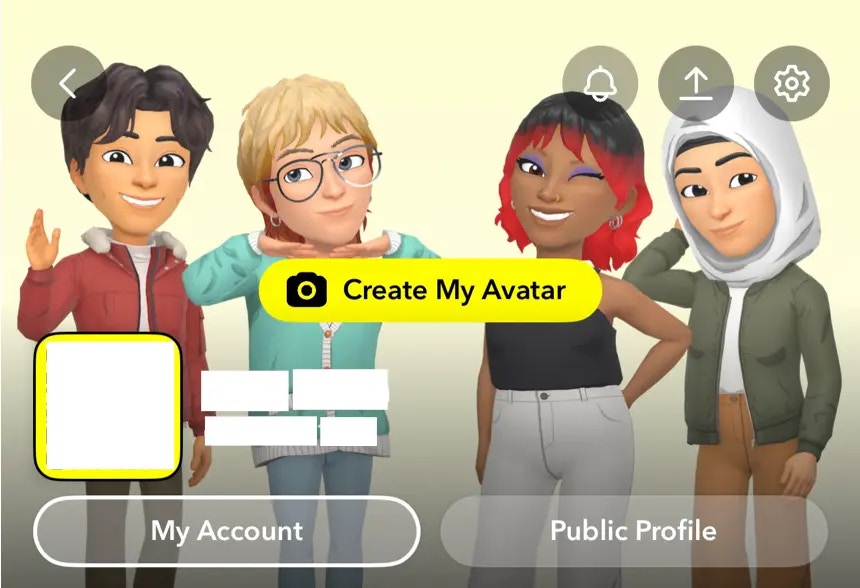
3
Professional Profile Settings
Navigate to Switch to a Professional Profile option in the Profile Settings.
Follow the instructions, select a category, and click Confirm to switch
to a professional profile.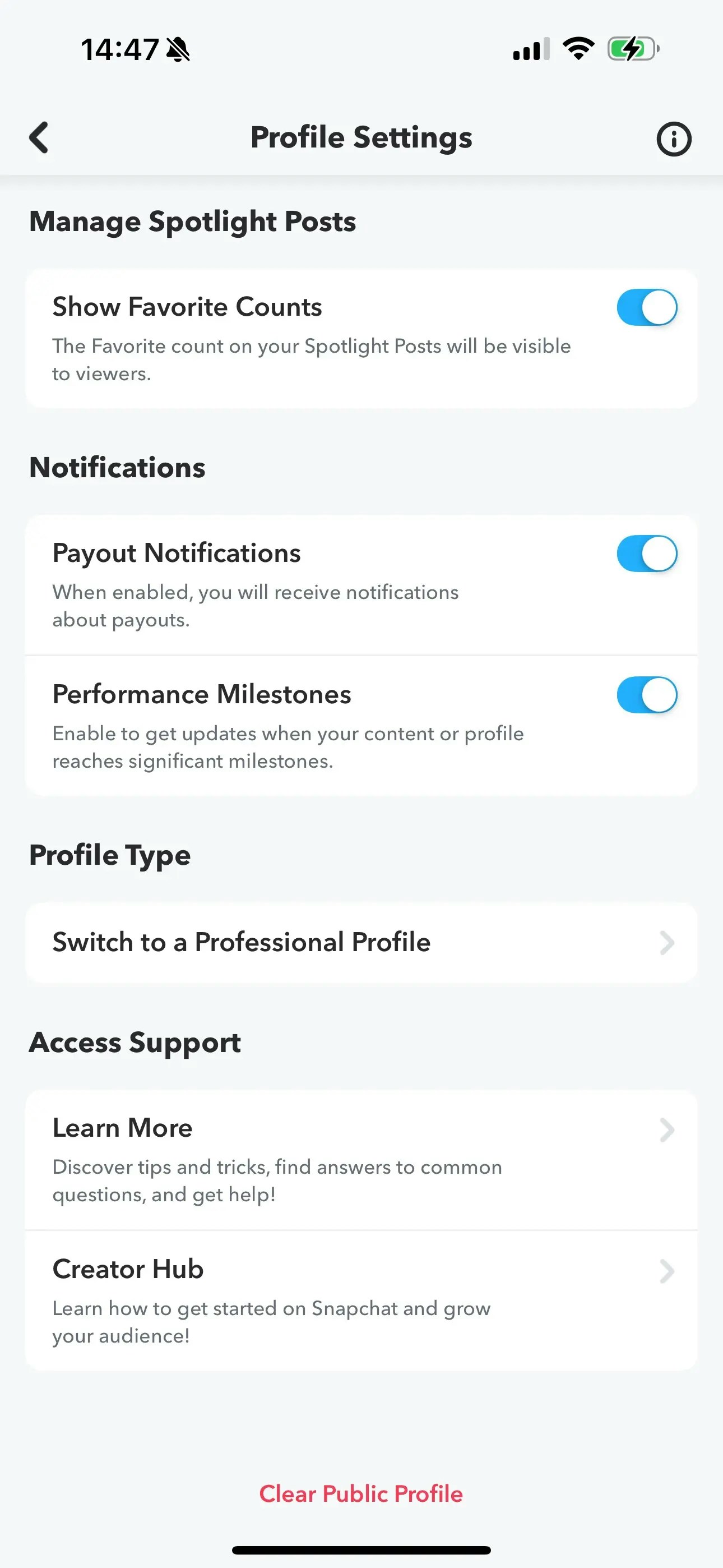
Linking Snapchat
1
Click to Link Snapchat
Click the Snapchat icon on the Social Accounts page.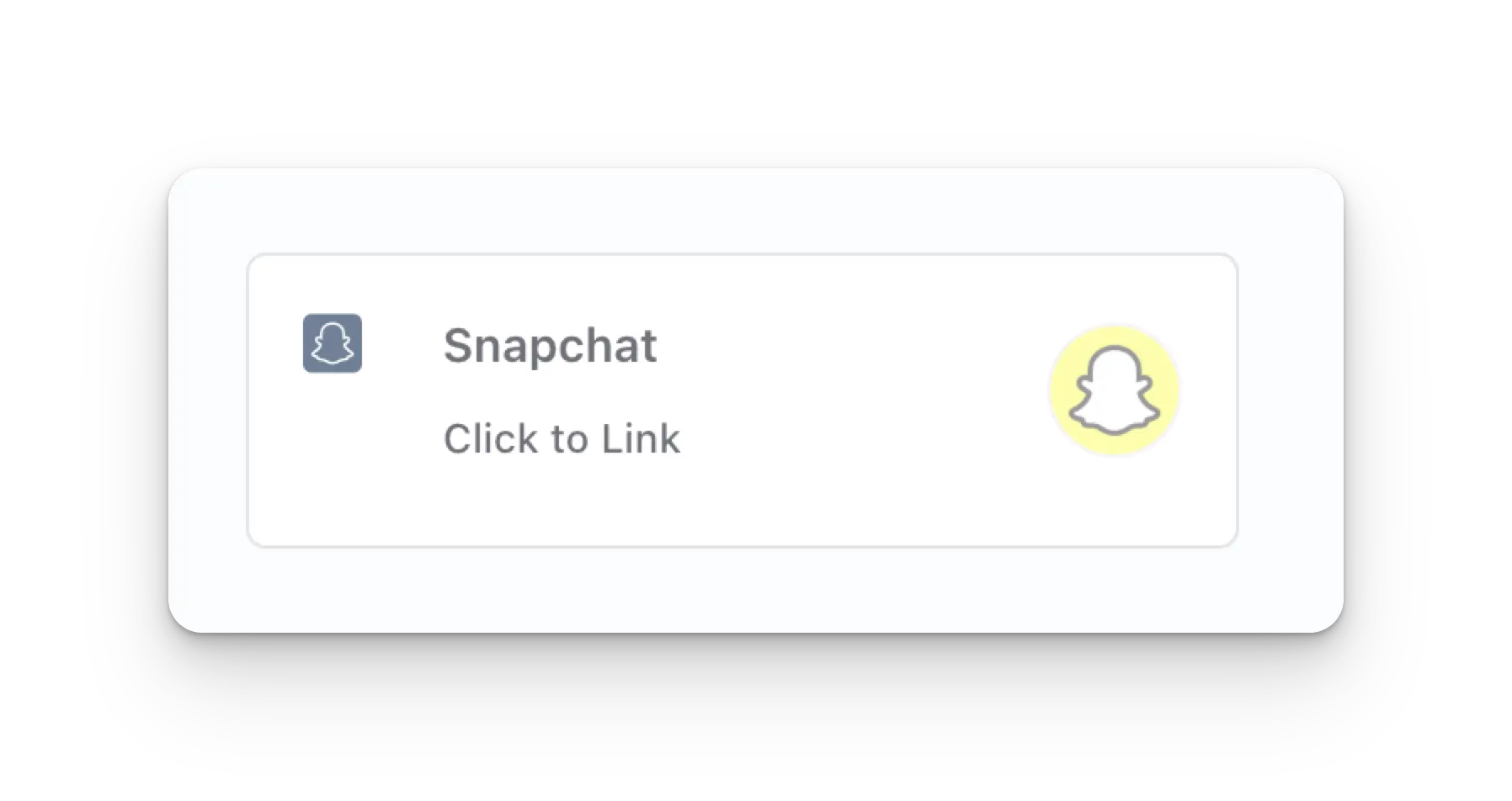
2
First Time Snapchat Login
If you are not logged in yet, you’ll navigate to the Snapchat login page. Enter your credentials
accordingly. If you are already logged in, please proceed to the next step.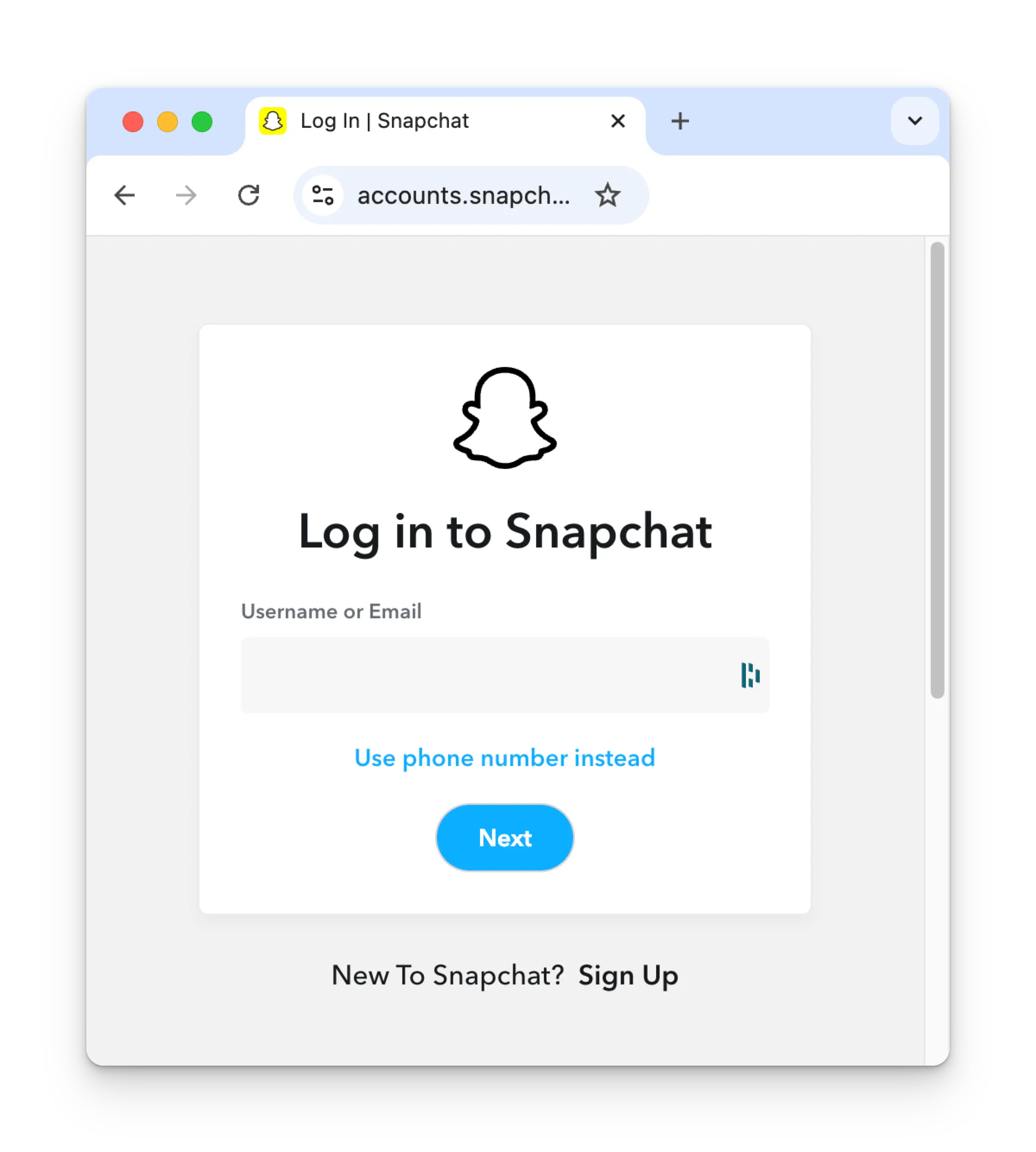
3
Authorize App
Review the permissions and click Continue on the authorization page.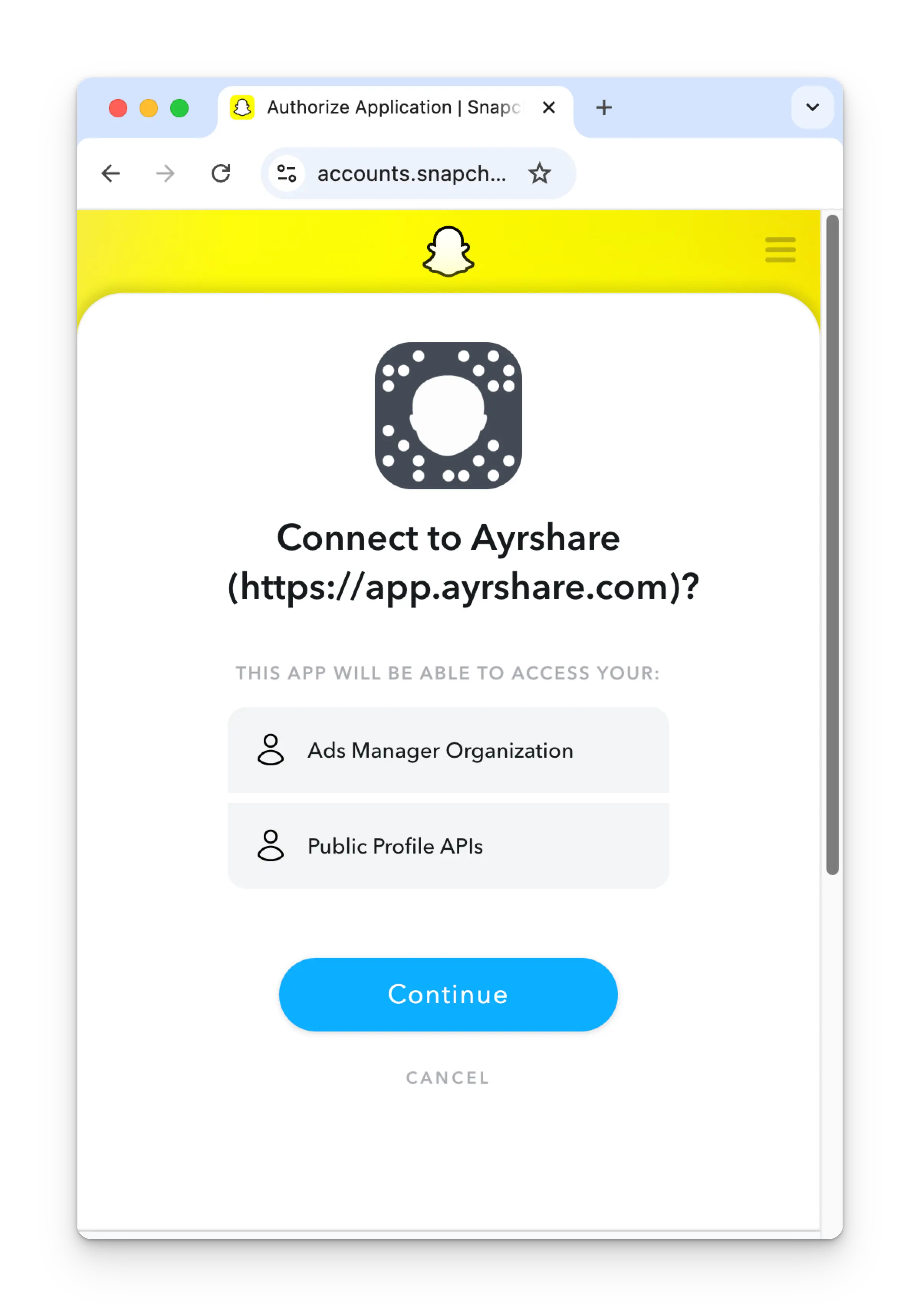
4
Confirmation
Your Social Accounts page will now be updated with your Snapchat account.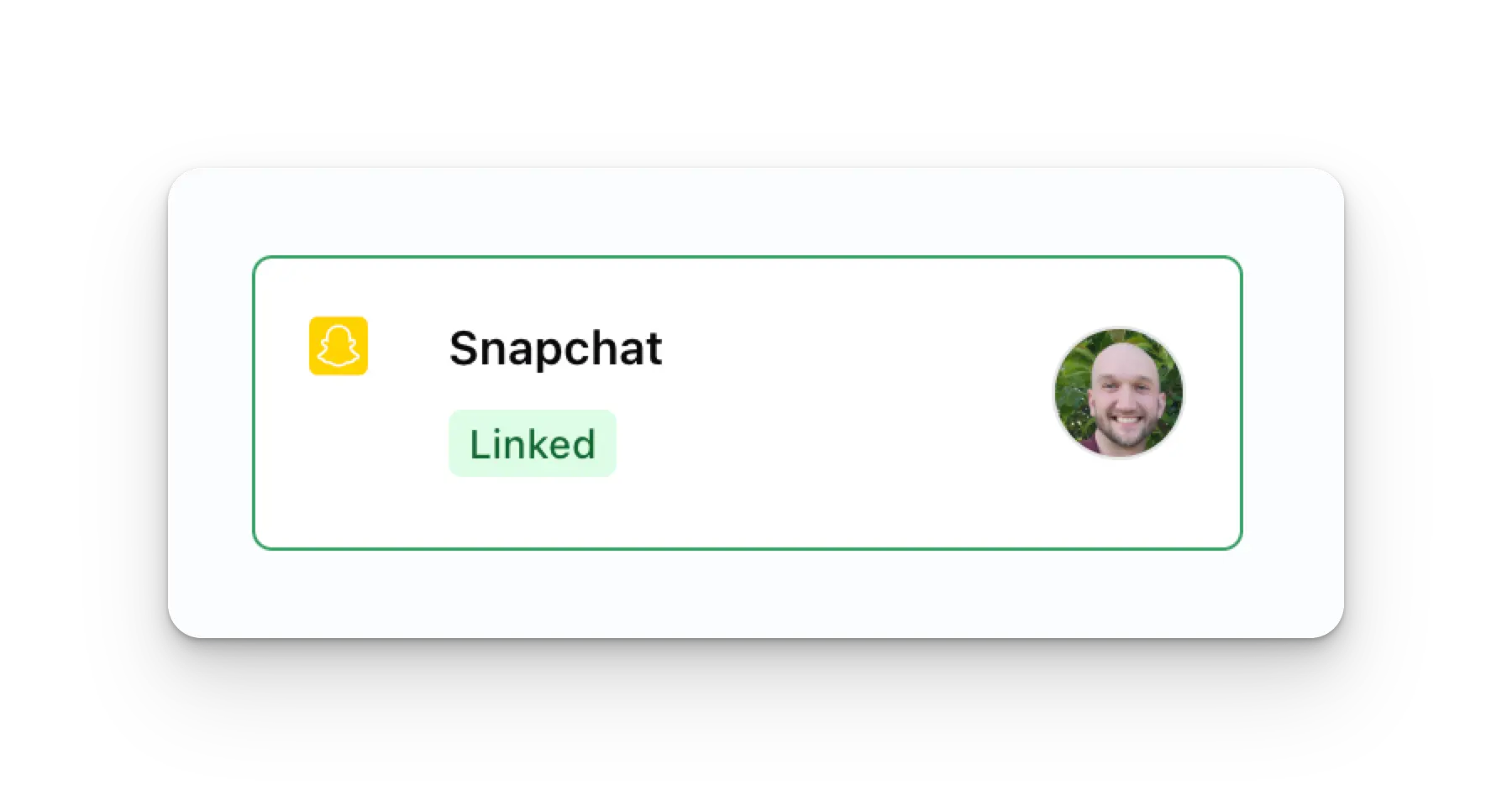
Additional Snapchat Information
- Please see here for details on posting to Snapchat, getting analytics, managing comments, or retrieving history.
- For more information on recommended image and video sizes, please see: