
Documentation Index
Fetch the complete documentation index at: https://ayrshare.mintlify.app/llms.txt
Use this file to discover all available pages before exploring further.
Starting March 31, 2026, X requires your own API credentials for all operations through Ayrshare. If you are an API user, you can start using your own credentials immediately. See the X BYO Key Setup Guide for step-by-step instructions.
How to Link X (Twitter) with Ayrshare
You can link X, formerly known as Twitter, account with Ayrshare. When authorizing X with Ayrshare, you will be redirected to X to login and authorize Ayrshare to access your X account.
First Time X Linking
When you click the X icon on the Social Accounts page, an X
sign-in will pop-up - please be sure you allow pop-ups. If you are already
logged in, please proceed to the following step.Click Sign In, follow the instructions, and input relevant login credentials.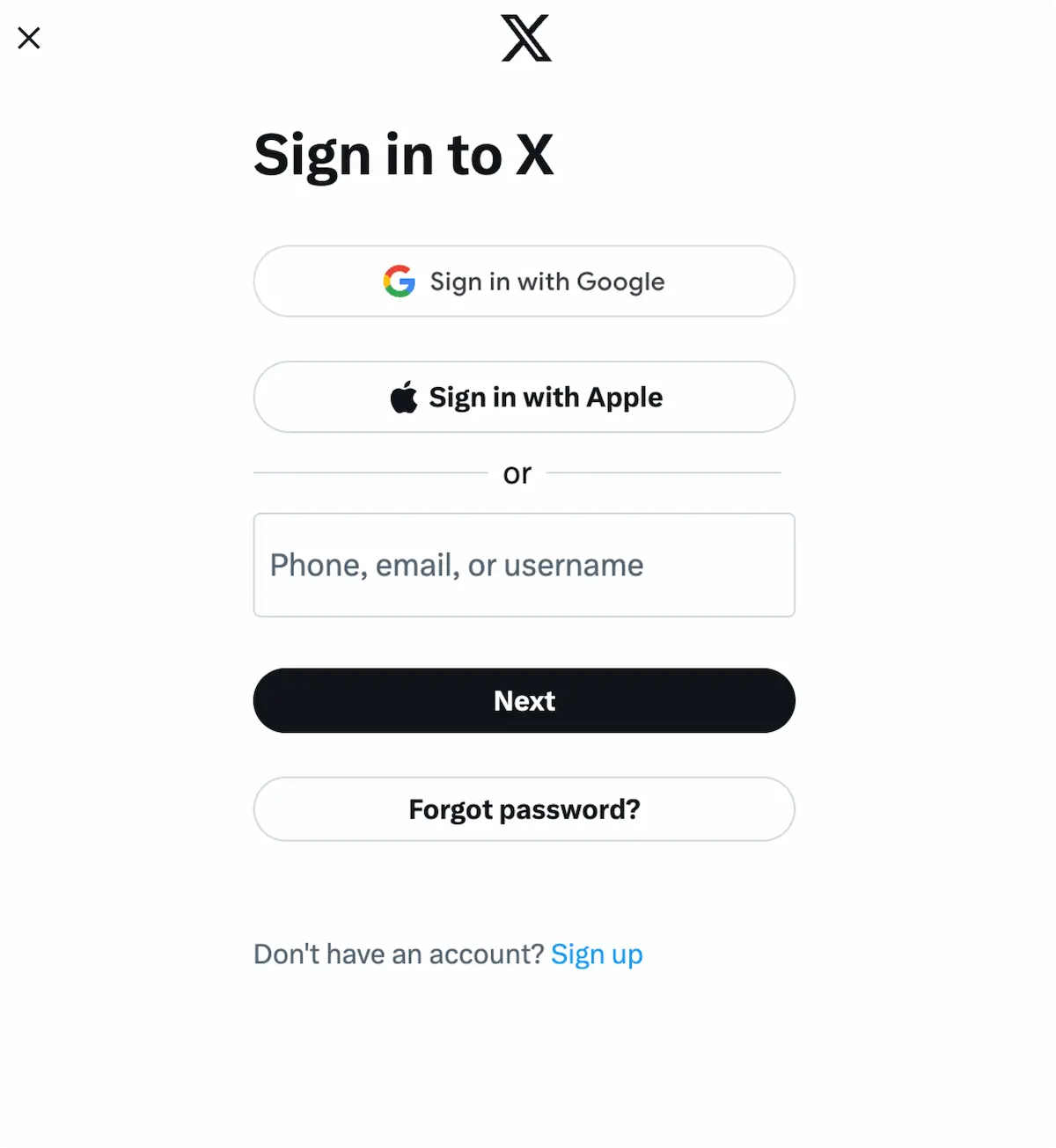
Authorize Access
If you have already signed in, click Authorize app on the pop-up.This will authorize Ayrshare to access your X account.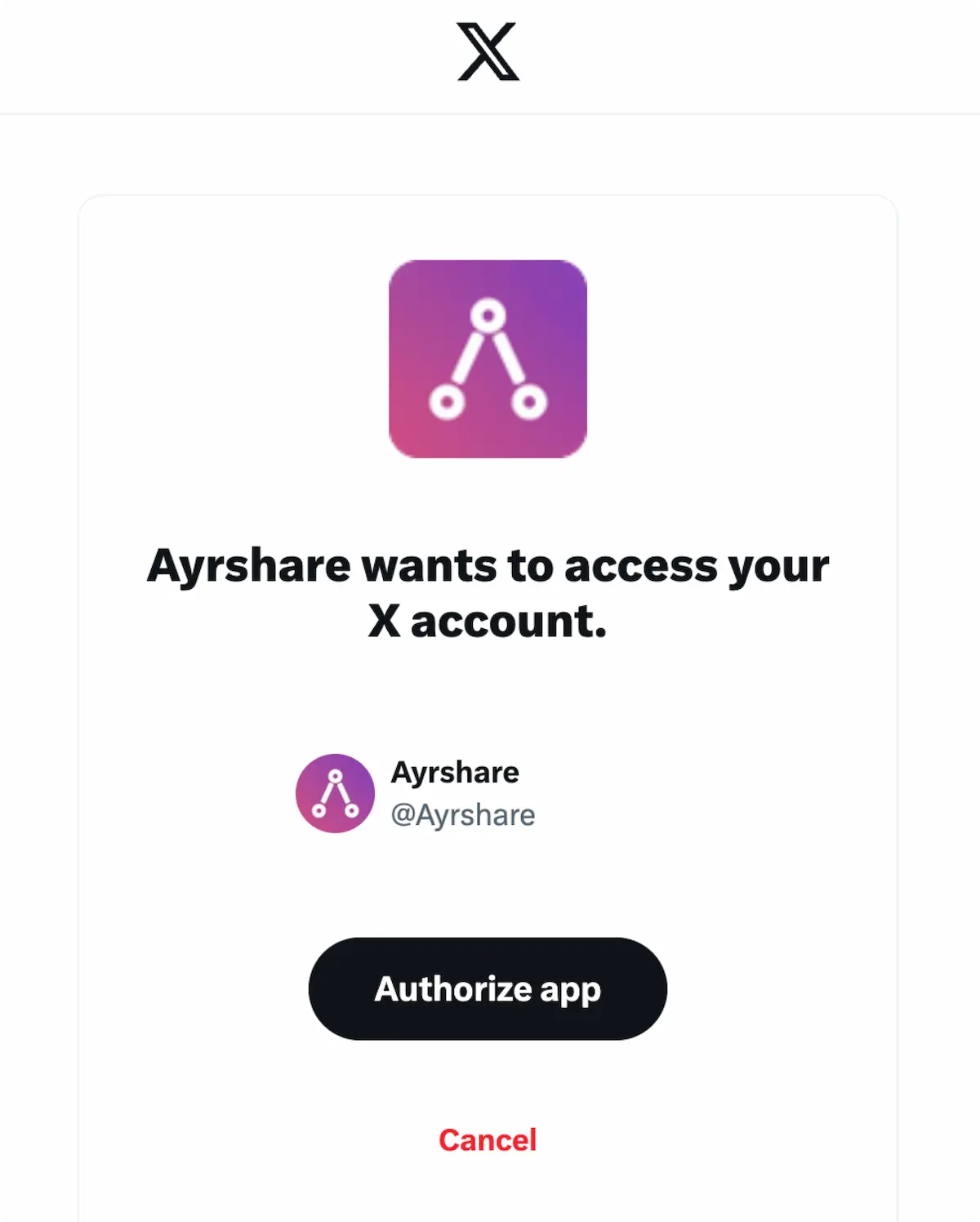
Additional X Information
- Please see here for details on posting to X, getting analytics, managing comments, or retrieving history.
- For more information on recommended image sizes, please see: